

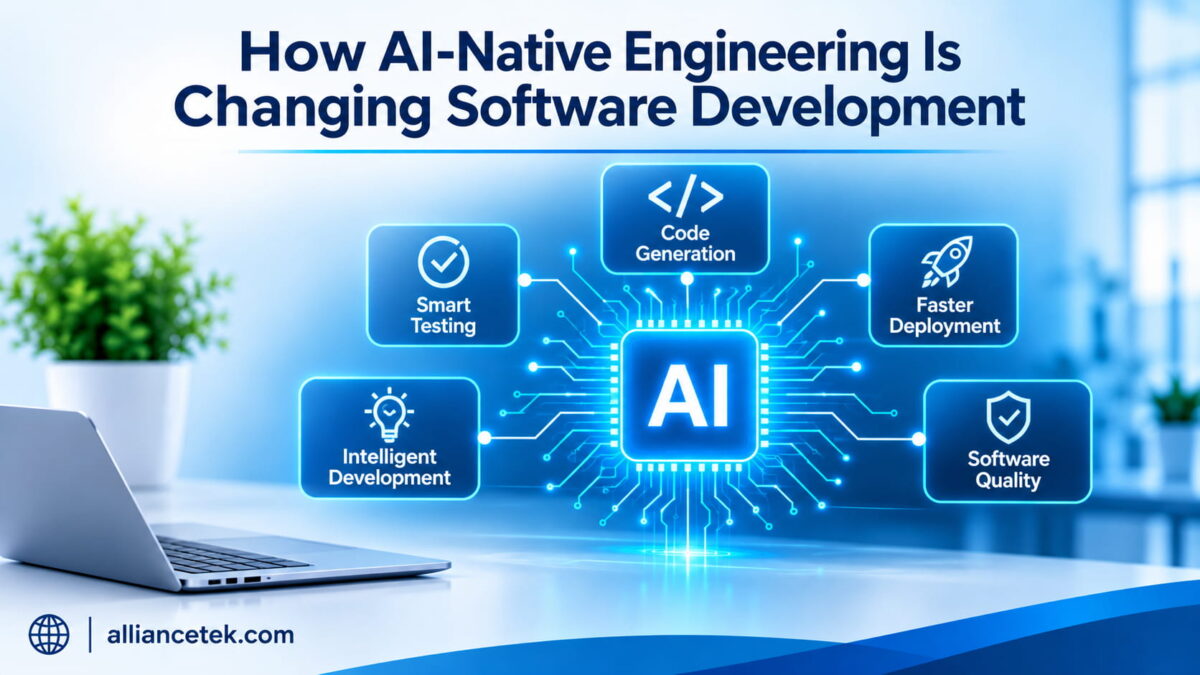
AI-native engineering means something pretty specific: AI woven into how software gets built, not bolted on after the fact – from writing and testing code to deciding how a system scales. That’s not the same as sticking a chatbot onto an app nobody designed for one. Teams building this way ship faster and catch more before release, but only when the engineering discipline underneath is already solid.
This shift is changing what a software development company actually does, day to day – worth knowing before you assume your current vendor, or your own team, is already there.
What Makes a Codebase AI-Native Instead of AI-Assisted
Call a codebase AI-native when AI actually shapes decisions at every stage – not when it’s a feature a client requested last quarter. Most teams right now are AI-assisted, at best. Someone’s using Copilot to type faster. Maybe a chatbot got bolted onto the product somewhere along the way. That’s nowhere near the same thing as designing the architecture, the test strategy, and the deployment pipeline around AI from day one.
An AI-native system treats model inference as a first-class runtime dependency, not an optional layer added on top. That means architecting for non-deterministic output: versioning prompts and model behavior alongside application code, building fallback paths for when a model call times out or returns something malformed, and logging inference decisions the same way you’d log a database write.
The Difference Shows Up in the Architecture, Not Just the Features
When building an AI-powered system, you will need an AI development team that must account for models making real-time decisions within an application, whether routing requests, identifying risks, or generating content. This requires reliable data pipelines, model evaluation and versioning alongside application code, and testing strategies that account for variable outputs.
Unlike conventional functions that typically return predictable results for defined inputs, AI models can produce different responses under similar conditions. Without appropriate validation, fallback mechanisms, and monitoring, integrating a model into an architecture that wasn’t designed for it can introduce reliability and maintenance challenges.
Legacy Systems Weren’t Built for This, and That’s the Real Bottleneck
A lot of custom software development work happening right now has nothing to do with new AI features. It’s untangling old systems so AI can plug in safely – cleaning up data nobody structured with this in mind, adding the logging an AI feature needs to be auditable, pulling business logic out of some file that’s been growing for a decade. The AI part, honestly, is usually the easy half.
Where AI Is Actually Changing the Engineering Process
The change you can see is faster code. The bigger one is happening earlier – in design and testing, where most of a project’s cost and risk actually sits.
1. Code Generation Moved the Bottleneck From Typing to Reviewing
Boilerplate used to eat a real chunk of a sprint. Now a developer generates a first draft of a function, a test, a migration script, in seconds – so the slow part of the job isn’t writing anymore; it’s reviewing carefully. Teams that haven’t changed their review process for this – still skimming AI output the way they’d skim a junior dev’s pull request – end up shipping bugs that slide right past a glance.
2. Testing Is Catching Problems It Used to Miss
AI-assisted testing tools dream up edge cases a human tester would never think to try, and they’ll flag when a change in one corner of a system quietly breaks an assumption somewhere else entirely. That matters more now, since systems carry more interdependent parts than they did five years back – and a few of those parts are AI components whose behavior shifts slightly every time the underlying model updates.
3. Deployment Decisions Are Getting Faster, Not Just Automated
Rollback calls, canary thresholds, incident triage – all of it used to mean someone staring at a dashboard for a while. AI-assisted monitoring can flag an anomaly and guess the likely cause before an engineer’s even opened the logs. Real time saved there, though someone still needs to make the final call on anything customer-facing.
Why This Matters for Businesses Picking a Development Partner
If your vendor’s process looks the same as it did two years ago, that’s worth noticing. Not a neutral fact.
1. A Stale Process Usually Means Slower, Costlier Delivery
Teams that haven’t adapted their development workflows may miss opportunities to reduce repetitive coding, accelerate test creation, and identify defects earlier. However, faster code generation doesn’t automatically mean lower delivery costs. Review, validation, integration, and maintenance still require engineering effort, particularly in complex or security-sensitive projects. The real advantage comes when AI reduces total development effort without increasing defects or compromising software quality.
2. Look for Evidence, Not Just the Word “AI” in a Pitch Deck
Plenty of vendors will say “AI-native” because the term sells well right now – that part’s easy. Question the company on precisely where AI is present in their code review, testing, and incident response, and not simply on the presence of a chatbot in their product. An IT management company can explain this in depth without using a single buzzword.
What This Means for Internal Engineering Teams
Building in-house instead of outsourcing? The same shift applies – just pointed at your own team now.
1. Developers Are Spending More Time on Judgment Calls
Writing everything by hand is no longer what the job entails; rather, it involves assessing whether what was created is actually correct, secure, and sustainable over the long run. It is much more difficult to hire people on the basis of this skill than mere typing ability and is worth considering in future hiring decisions.
2. Security Review Needs to Catch Up With How Code Gets Written
AI-generated code can slip in subtle vulnerabilities that read fine on a quick pass – especially around input handling and dependency choices. Teams that haven’t touched their security checklist for this are reviewing 2026 code with a 2020 process. This difference will always come to light at the most inappropriate time.
How to Evaluate Whether a Vendor Is Actually AI-Native
The words in most pitch decks are all correct. Here’s what actually tells a real practice apart from marketing copy.
1. Ask How They Handle a Model Behaving Unexpectedly
Any team doing real AI-native work has run into a case where a model’s output shifted after an update and broke something downstream. How they tell that story – how they caught it, how they fixed it – says more than any slide ever could about how mature their process actually is.
2. Ask How They Measure Code Quality and Review Effectiveness
The percentage of AI-generated code alone doesn’t reveal how mature a development team’s process is. Ask how the team reviews generated code, tracks defects discovered during review, measures production bugs, and evaluates rework after approval. Test coverage, change failure rates, and recovery time can provide additional insight into engineering quality when interpreted in context. A capable software development company should be able to explain how it uses these measures to improve delivery speed without sacrificing reliability or maintainability.
3. Check Whether Their Testing Strategy Has Changed in the Last Two Years
If their test suite looks identical to how it looked before AI tools went mainstream, their process probably hasn’t adapted either – no matter what shiny tools their developers have open on screen.
Picking the Right Development Partner for This Shift
Not every project needs a fully AI-native build – plenty of solid work still gets done the traditional way, and that’s fine for a lot of use cases. However, should you be considering software development companies for anything that has to do with decision-making on the basis of data, personalization, and automation, the difference is clear in a short while. Most often, it will manifest itself in the time it takes to complete those initial sprints and the number of bugs that make it into production.
What a Reliable Partner Looks Like in Practice
A reliable IT partner for this kind of work isn’t the one running the flashiest AI demo in the room. It’s the one who can explain their review process in plain English, show you exactly how they catch AI-generated mistakes before release, and tell you honestly which parts of your project don’t need AI at all. That last bit matters more than it sounds – not every feature benefits from an AI component, and a partner pushing AI into everything regardless of fit is optimizing for their own pitch, not your product.
Conclusion
Start with an honest audit of what you’ve already got – the codebase, the process – not with a new feature request. Good IT business solutions work usually begins right there: figuring out what’s actually holding a team back before deciding which AI capabilities are even worth adding first.
If you’re not sure whether your engineering process is actually keeping pace with how software gets built now, AllianceTek works through exactly this kind of assessment before recommending anything. Reach out – we’ll help you figure out what’s worth changing first.
